
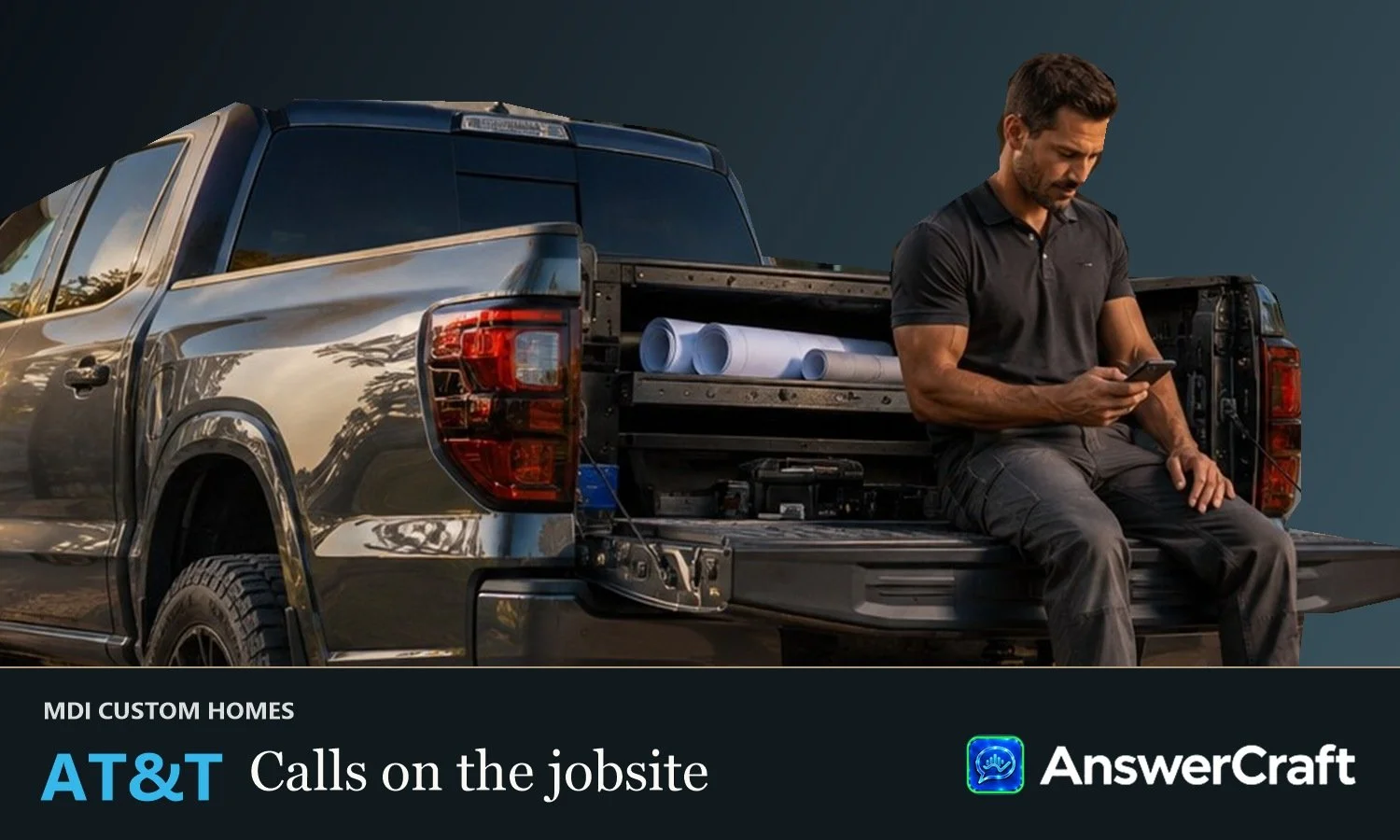
Our AT&T phone rings on the jobsite. AnswerCraft answers when we can’t. A homeowner calls while you’re walking a framing inspection. Ten minutes later, the number in your missed-call list could belong to that homeowner, a trade partner at the gate, or someone looking for an estimate. At MDI Custom Homes, we use AnswerCraft AI to find out which conversation is waiting without interrupting the one in front of us.
Why this matters on an AT&T jobsite phone
Unconditional forwarding sends every call straight to an answering service. That takes away the chance to pick up, even when you’re free. With AnswerCraft’s conditional forwarding on AT&T Personal and Business Wireless, the call rings through normally, like a phone set up with its factory voicemail. Answer it yourself and the caller never talks to AI. If you miss it, AnswerCraft takes that same call.
You turn it on with buttons in the app, without entering complex forwarding codes. AnswerCraft identifies its AT&T handoff as the only publicly documented one on the AI receptionist market. The recording below lets you hear it. A caller who needs a gate opened can leave a quick message and get back to a person who knows the site.
What the caller hears on AT&T
With conditional forwarding configured on a supported AT&T Personal or Business Wireless line, the contractor has the opportunity to answer as usual. An unanswered call passes to AnswerCraft. Listen to the real AT&T ring and handoff to hear the pause between dialing, ringing and the greeting. It’s an easy way to decide whether the experience suits your own business line.
What we want to know before we call back
Consider two messages that both say “Please call me about the driveway.” One is a new client asking about a renovation. The other is a driver who needs access to unload today. A useful intake asks for the caller’s name, a good callback number, the job location, and what needs a decision. If timing matters, ask what time the caller needs an answer.
On a bilingual crew, a trade partner can explain the issue in Spanish when bilingual answering is enabled. The office can review the message or play the original audio. That helps preserve details such as which entrance the driver is using. A person familiar with the job makes the decision and calls back.
Keep the appointment in the contractor’s hands
A request for a site visit still has to fit the superintendent’s calendar and the owner’s availability. Once a time is agreed, Signature Appointments can send a private invitation and reminders. If the office is covering calls from a desktop, Back Office gives the team a shared place to review messages. Website estimate requests can come through an AnswerCraft Plus widget.
Watch the contractor workflow or see all nine AnswerCraft plans on our contractor page. Plan selection and billing happen with AnswerCraft AI.
